Rx Detail Tab

The settings in the Rx Detail tab are used for prescriptions.

To learn more about each preference, select the field, button, or checkbox in the image below. For province specific preferences, refer to Table 1.
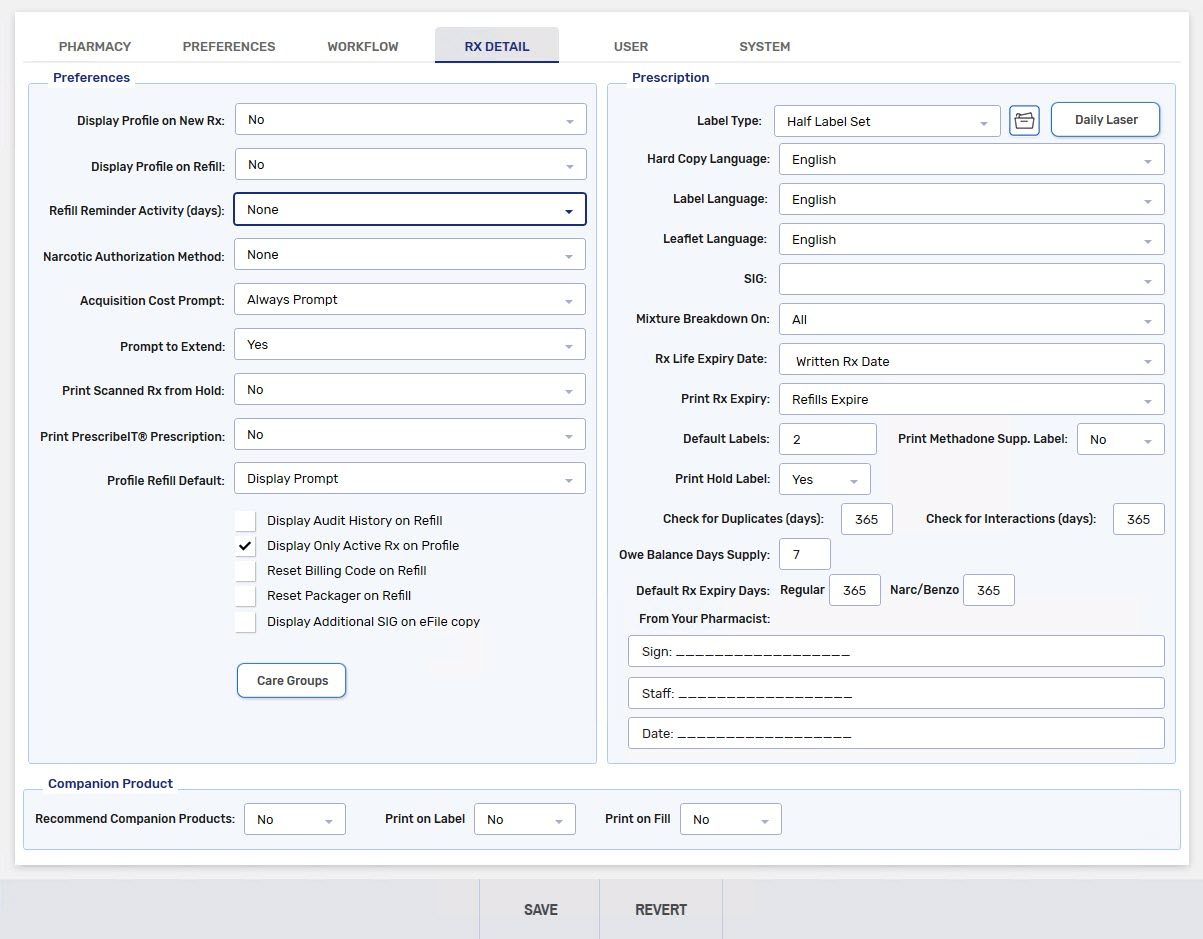
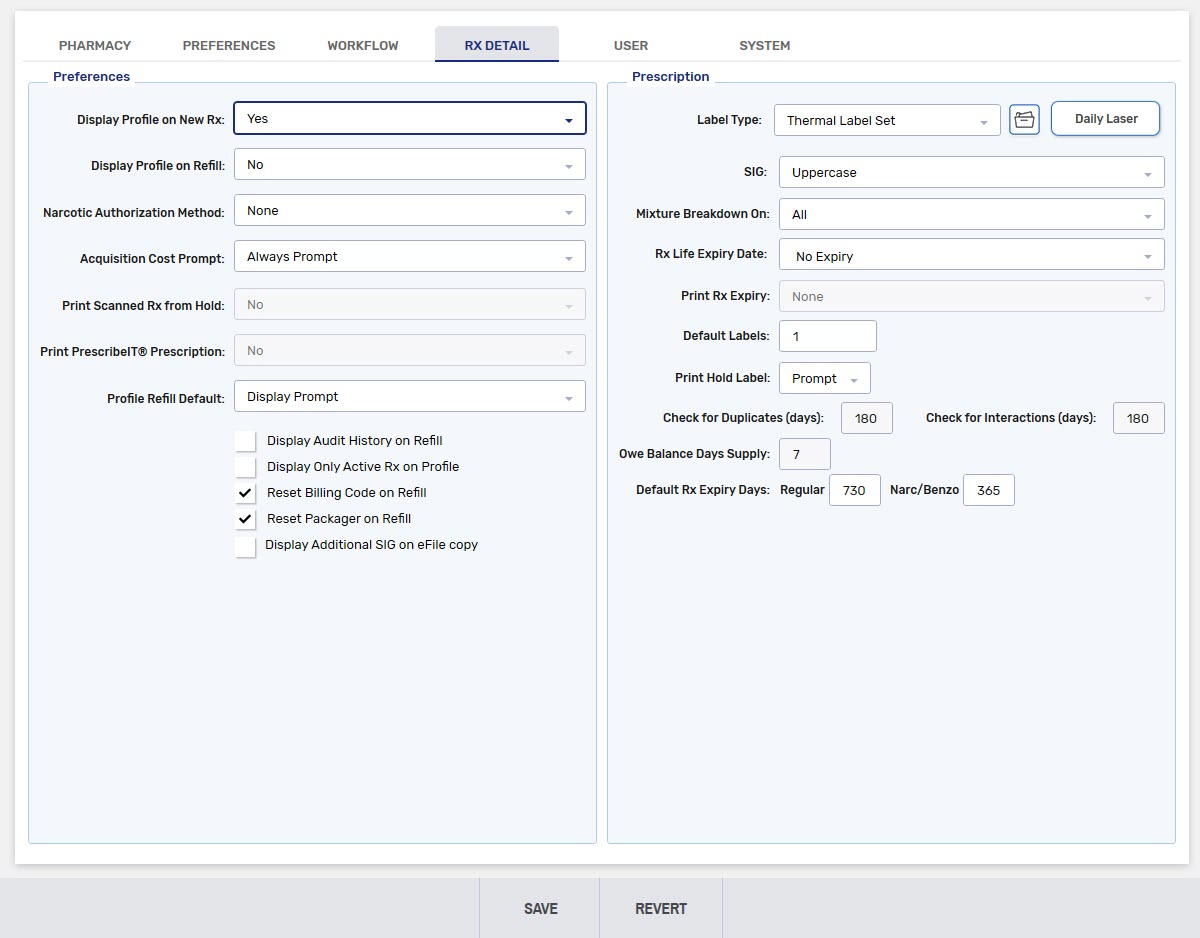
Table 1. Province specific Rx Detail preferences.

Rx Detail Preference Province Description
EHR Profile Retrieval British Columbia

Determines the type of EHR Profile that appears when a prescription is filled or placed on Hold.

  • Most Recent Dispenses - displays the last 15 dispenses for the patient. This is the default option.

  • All Dispenses - displays all dispensed medications, clinical conditions, and adverse reactions recorded within the past 14 months for the patient.

Display EHR Profile at Clinical British Columbia

This preference controls whether the EHR Profile is automatically displayed when a prescription is processed into a combined Technical Validation and Clinical Review view.

  • When this preference is ON, a forced view of the EHR Profile displays for the selected patient. If multiple prescriptions were loaded for the patient, the forced view only occurs on the first prescription unless there is a break in service (i.e., navigate to another Profile and return). Upon selecting OK in the EHR Profile window, the Allergy Check, Pharmanet Check, and D.T Issues checkboxes are automatically selected.

  • When this preference is OFF, the EHR Profile does not display automatically in Technical Validation and Clinical Review. Users must manually select the Allergy Check, Pharmanet Check, and D.T Issues checkboxes to confirm these checks have been completed.

This preference also applies to the Aggregate window. If multiple patients are loaded in Aggregate, the user must view each patient’s EHR Profile.


This section contains the following topics: